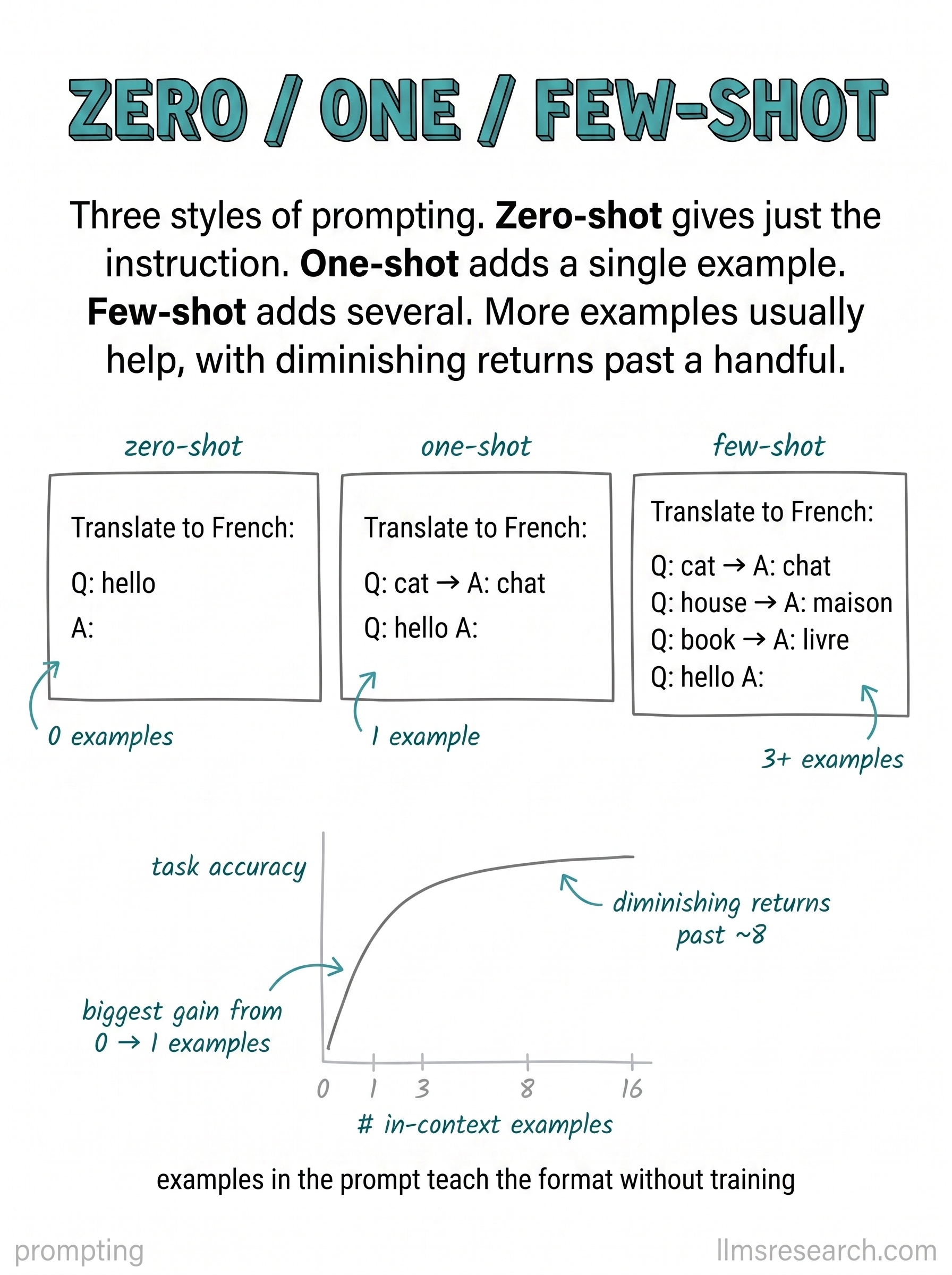
The card places three prompt panels side by side for the same classification task. The zero-shot panel has only the instruction and the item to label. The one-shot panel adds a single input-output pair before the new item. The few-shot panel adds three exemplars. Below the panels, a small trend line shows accuracy rising as the shot count increases, with few-shot typically above zero-shot on structured tasks.
The mechanism is in-context learning: the model reads the examples and infers the pattern without weight updates. Zero-shot relies on prior training and phrasing alone. One-shot can anchor output format when the task is ambiguous. Few-shot gives a clearer prior over label boundaries, delimiter style, and edge-case handling. Gains are not automatic; irrelevant or contradictory exemplars can hurt, and very long example sets compete with other context needs.
In practice, start zero-shot when the task is common in pretraining data and the format is simple. Add one or few shots when you need a specific schema, a rare label set, or consistent tone. Match exemplar difficulty to production inputs, keep labels correct, and shuffle order when labels are imbalanced so the model does not memorize position. The token cost scales linearly with shots, so the budget line on the card matters as much as the accuracy line.
Few-shot is not fine-tuning. It disappears when the session ends and must be re-sent each call. Treat exemplars as live configuration: version them, test them on held-out cases, and replace them when the task drifts. The card’s point is comparative: same task, more demonstrations, usually better adherence, always more context.